Electrum Wallet Recovery: How to Get Back Into Your Bitcoin Wallet

Blog » Electrum Wallet Recovery: How to Get Back Into Your Bitcoin Wallet
Updated on Jul 21, 2026
Author: Robbert Bink
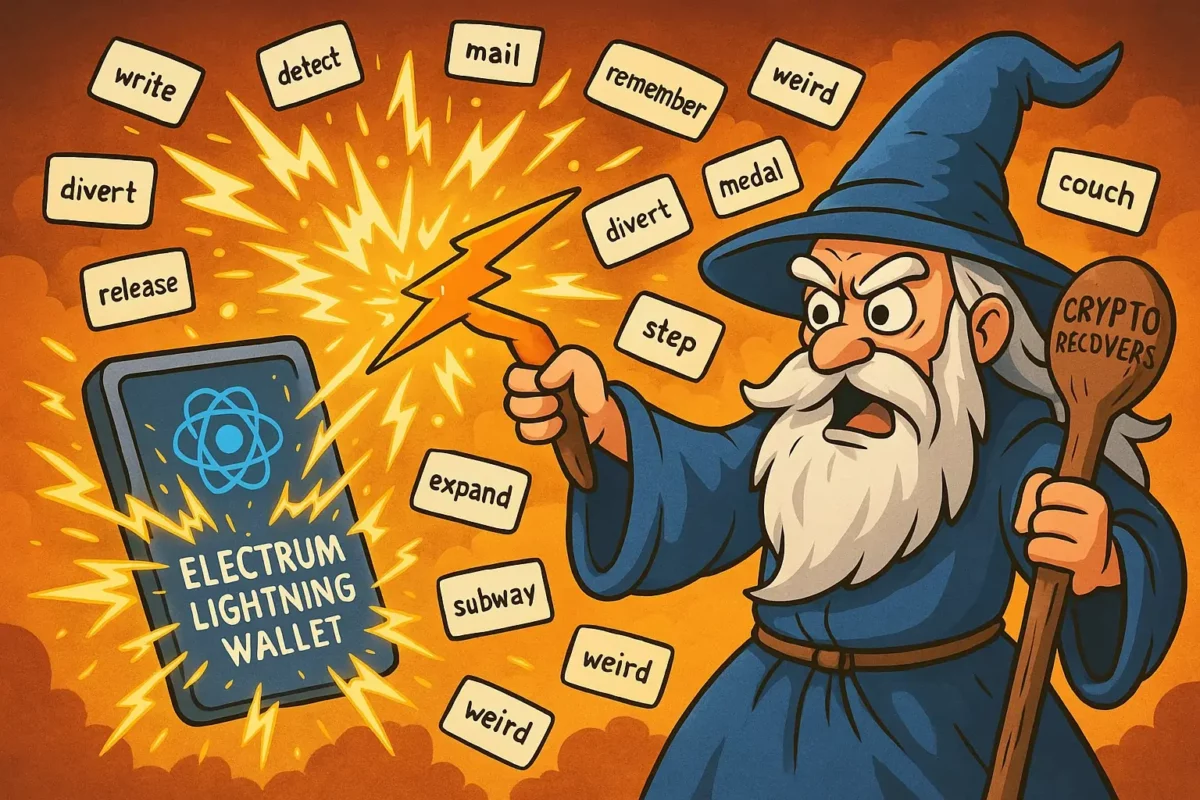
Illustration of a wizard recovering an Electrum Lightning Wallet using a lightning bolt and mnemonic seed words

Electrum wallet recovery comes down to one thing: what you still have, since your Bitcoin is safe on the blockchain and you’re only looking for a key that still opens it.

Your Electrum recovery depends on what you have

Here are the keys you might be holding, ranked best to worst. Start at the top, and only move down if the option above is gone.

  1. Your 12-word seed phrase — the universal key. This rebuilds your entire wallet from scratch on any computer. It works even if you forgot your password, even if you lost the wallet file, even if the old computer is dead. If you have your seed, nothing else in this guide matters. Go straight to the first method.
  2. Your wallet file, if you lost the seed but still have the file. The file is locked by your password, and that password can sometimes be found by testing candidates against it. This also covers a wallet file you deleted and can still recover from the drive.
  3. Your private keys or a paper wallet, if that’s all you kept. Individual keys can be swept into a fresh wallet, one address at a time.
  4. None of the above — no seed, no file, no password. Read the honest limits near the end before you spend money anywhere. This case usually can’t be solved by anyone.

The seed phrase beats every other method, so if you have it, ignore the password and the file entirely and skip to Method 1. Everything below it is only for people who no longer have their words.

Method 1: Recover with your 12-word seed phrase

This is the universal method, and it’s the one to try first. Your seed is a full backup of the wallet. A clean Electrum install turns those words back into your coins, and your old password stops mattering the moment you finish.

  1. Download Electrum from electrum.org and install it.
  2. Open it and choose to create a new wallet. Any name works; it doesn’t need to match the old one.
  3. Select Standard wallet, then I already have a seed.
  4. Type your words in order, separated by single spaces.
  5. When Electrum accepts the seed, set a new password. Electrum then syncs with its servers, and after a minute or two your balance and addresses appear. If it stalls on “Synchronizing,” that’s a connection issue, not a lost-coins one: see Electrum wallet not syncing.

Under five minutes, and you’re in. A couple of things can still look wrong right after, and each has a fix.

If the balance comes back as zero, don’t panic — that’s almost always an address-type mismatch, not missing coins. Bitcoin wallets store coins under different address types, and each type lives at a different route inside your seed, a route called a derivation path. If Electrum checks the wrong type, it sees empty addresses and reports nothing, while your real balance sits one path over. This mostly happens when you restore a BIP39 seed from another wallet, since Electrum can’t always guess the right type. To fix it, restore again and try each type in turn:

  • Legacy: addresses that start with 1
  • P2SH-SegWit: addresses that start with 3
  • Native SegWit: addresses that start with bc1

One of them normally shows your balance. If they all read zero, check the gap limit: Electrum stops scanning after 20 unused addresses in a row, so coins sitting far down the chain can hide past that point, and raising the limit tells it to keep looking. For a native Electrum seed you rarely need any of this, since Electrum reads the correct path straight from the seed.

Electrum says your seed is invalid

This is the most common panic, and it usually isn’t a lost-coins problem. The cause is almost always that Electrum uses its own seed format, not the BIP39 standard nearly every other wallet uses.

Here’s what that means in practice. Electrum draws from the same 2,048-word English list as BIP39, but it checks the words differently. So a phrase from a Ledger, Trezor, Exodus, or any non-Electrum app will look right to you and still get rejected. Run through these in order:

  • The seed came from another wallet (BIP39). On the seed screen, click Options and tick BIP39 seed. The same words are now accepted. Electrum then asks for an address type or derivation path. If a Detect Existing Accounts button appears, use it: Electrum scans the common paths and finds the one holding your coins. If the balance still reads zero afterward, that’s the address-type case described above.
  • It’s an old Electrum seed (pre-2.0). Early Electrum used a different, smaller wordlist. Modern Electrum still recognizes these automatically, so just type the words and let it detect the format.
  • A word is wrong, misspelled, or out of order. Order matters: the same 12 words in a different sequence open a different wallet. Check each word against the official BIP39 word list, since handwriting misreads (“cliff” as “clip”) are a classic trap. If the phrase still won’t validate, our guide to fixing an invalid recovery seed covers the wider troubleshooting.
  • You used a seed extension. Electrum lets you add a custom word on top of your seed, sometimes called a passphrase. It works like a secret 13th word. Without it, the correct seed opens a different, empty wallet. If you remember using one, that missing piece is the real issue.

Seed phrase missing or incomplete?

If you’re only missing a word or two, or you’re unsure of a couple of words, there’s still hope. A seed with one or two gaps or errors can sometimes be reconstructed by testing the valid possibilities in a systematic way, which is exactly what recovering a missing seed word involves. Every missing word means 2,048 candidates to check, which is fast for one gap and slower for several. Tools like BTCRecover are built for exactly this.

If the phrase is mostly gone, that route closes. A handful of remembered words out of twelve isn’t enough to rebuild the rest. At that point your only chance is a different key entirely: the wallet file, if you still have it. That’s the next method.

Method 2: No seed? Recover from your wallet file

You lost the words but still have the wallet file on a drive somewhere. The file holds your keys; they’re just locked behind your password. This method is about opening that lock.

First, find the file. Electrum stores wallets here by default:

  • Windows: C:\Users\<yourname>\AppData\Roaming\Electrum\wallets\
  • macOS: ~/Library/Application Support/Electrum/wallets
  • Linux: ~/.electrum/wallets

The default file is named default_wallet, with no extension. Point Electrum at it and enter your password. If the password works, you’re in and you’re done. If the file opens but looks corrupted, or a failing drive damaged it, it may still hold recoverable data: restore from your seed instead if you have it, and otherwise don’t keep forcing it open or upload it anywhere, since that’s a job for a specialist. The rest of this section is for when the password is the problem.

Forgot your password?

Electrum has no password reset. The password isn’t stored anywhere; it’s used to decrypt the file, so the only way in is to test candidates against the file until one fits. That works when you remember something to narrow it down (rough length, a word you tend to reuse, a pattern), and rarely works for a long, random password you can’t recall at all.

We cover the tools and the full process in a separate guide: recovering a forgotten Electrum password.

Deleted or lost the wallet file?

Do one thing right now: stop using that drive. A deleted file often sits on the disk untouched until new data overwrites it. Every download, update, and reboot risks writing over the exact bytes you need.

Free tools can bring a deleted file back: Recuva on Windows, or PhotoRec across systems. Recover to a different drive than the one you’re scanning, so you don’t overwrite anything mid-rescue. A wallet file is tiny, which helps, since small files survive deletion longer than large ones. Once you have the file back, open it in Electrum with your password as above.

If the drive was reformatted, or heavily used since the deletion, the file is usually gone for good, and no tool changes that. A physically failing drive is a separate job, where a specialist can sometimes still clone what’s readable. For the wider version of this hunt, see finding a lost Bitcoin wallet.

Only have private keys or a paper wallet?

No seed, no wallet file, just a paper wallet or a list of private keys you exported years ago. You can still move those coins, and the method matters.

Importing adds the key and keeps using its old address. Sweeping sends everything from the old address to a brand-new one you control. For old keys, sweep. Don’t import. A paper wallet or exported key may have been photographed or seen by malware years ago, and importing leaves your coins on an address other people might know. Sweeping moves them somewhere clean.

To sweep: open or create a wallet, go to Wallet → Private keys → Sweep, paste your key, and send. Do this the moment you bring in an old key, because until you sweep, those coins are exposed.

2FA or multisig wallet?

Two setups follow different rules. A 2FA wallet uses a service called TrustedCoin and gives you a longer seed. The reassuring part: that seed restores your wallet even if TrustedCoin ever disappears, so you’re not depending on the company staying online. A multisig wallet needs more than one key by design. A 2-of-3 wallet, for example, needs any two of its three keys to spend, so recovery means gathering the required number of seeds or master keys from the cosigners. Lose too many and the wallet locks permanently, by the same math that protects it.

How to recover safely, and avoid the scams

Electrum’s age and popularity made it a favorite target, and the attacks are clever. A few rules will protect you better than any tool.

Only ever get Electrum from electrum.org. The most infamous attack didn’t touch anyone’s password. Around 2018 and 2019, malicious servers pushed fake “update” messages to Electrum users mid-session, linking to a poisoned download that drained wallets on install. Never install an “update” that arrives as a pop-up link.

Never enter your seed phrase into any website. Not a “wallet checker,” not a “recovery portal,” not a support form. Electrum never asks for your seed on a web page, and neither does any real recovery service. A site asking for your seed is a theft site, every time.

Never upload your wallet file to an online “recovery” tool. Real password recovery runs on your own machine, offline, or on the isolated equipment of a service you’ve signed a contract with. A website that wants your file wants your Bitcoin.

And know the honest limits, because the scams live in the gap between what people hope for and what’s real. If you have no seed, no file, and no memory of the password, there’s nothing to rebuild a wallet from, and anyone who promises otherwise is lying. No one can reverse a Bitcoin transaction, either. If coins left your wallet to an address you don’t control, they’re gone at the protocol level. That’s a theft matter for the authorities, not a recovery job. Getting back into your own wallet is often possible. Undoing a transaction never is.

Legitimate help has a shape you can recognize. It doesn’t charge you upfront, it doesn’t guarantee results, and it tells you plainly when your case can’t be solved. If you’re weighing a service, these are the warning signs of a crypto recovery scam to check first.

If you’re still locked out

If you’ve worked through your situation and you’re stuck, that’s where a specialist earns their keep: a password you can’t crack alone, a seed that’s incomplete, a wallet file that won’t cooperate. Our Electrum wallet recovery service handles exactly these cases. Crypto Recovers has been performing wallet recoveries since 2019, with 200+ wallets recovered, working only on air-gapped machines and never before a contract is signed. Think of us as the locksmith: we can repair the lock or cut a new key, but we never step through the door. You do that yourself.

That’s what separates us from old-school recovery outfits. They take your coins into their own wallet and skim their fee before you ever see the money. We never touch your funds. Once access is restored, you move your Bitcoin yourself, to a wallet only you control, and you settle the fee at the handover with both of us present, in person where travel allows or on a live call. No Cure No Pay: if we can’t get you back in, you owe nothing.

Start a free, no-commitment assessment and we’ll give you an honest picture of what’s possible.

Electrum Wallet Recovery FAQs

Can I restore Electrum if I have zero information about it?

Unfortunately, if you don’t have any details about your wallet — no valid seed or wallet file — there is nothing you can do. You are the only person responsible for keeping your private data, and not even Electrum can see your seed or password.

What if my Electrum wallet is not opening?

If your Electrum wallet is not opening, try updating the software to the latest version from the official website. If that doesn’t help, try deleting the configuration file and restarting the app. Regardless of the wallet app, your bitcoins are safe on the blockchain and you can restore them in a new wallet with your seed.

In what cases can Crypto Recovers help restore an Electrum wallet?

Crypto Recovers can help if you’re having trouble accessing your Electrum wallet. Common situations include: Recovering a lost password Fixing an invalid or incorrect seed phrase Repairing a corrupted wallet file Resolving syncing issues Recovering funds when the wallet shows an empty balance

Electrum Wallet Recovery FAQs

Can I restore Electrum if I have zero information about it?

Unfortunately, if you don’t have any details about your wallet — no valid seed or wallet file — there is nothing you can do. You are the only person responsible for keeping your private data, and not even Electrum can see your seed or password.

What if my Electrum wallet is not opening?

If your Electrum wallet is not opening, try updating the software to the latest version from the official website. If that doesn’t help, try deleting the configuration file and restarting the app. Regardless of the wallet app, your bitcoins are safe on the blockchain and you can restore them in a new wallet with your seed.

In what cases can Crypto Recovers help restore an Electrum wallet?

Crypto Recovers can help if you’re having trouble accessing your Electrum wallet. Common situations include: Recovering a lost password Fixing an invalid or incorrect seed phrase Repairing a corrupted wallet file Resolving syncing issues Recovering funds when the wallet shows an empty balance

Clear agreements before work begins. Before recovery work begins, both parties sign a service agreement setting out the assignment, fees, responsibilities, confidentiality and data handling. At your request, an NDA can also be signed before confidential details about your case are discussed.

Non-custodial wallet access recovery. Your wallet remains yours. We do not hold, manage or transfer your crypto-assets on your behalf. After a successful recovery, you move your funds to a new wallet yourself and pay the agreed success fee separately.

Robbert

Robbert Bink

Founder & CEO

Robbert Bink is the founder and a wallet recovery specialist at Crypto Recovers. He has more than 15 years of experience in programming and IT and has specialized in crypto wallet access recovery since 2019. Through Crypto Recovers, he helps rightful owners securely and efficiently regain access to inaccessible wallets.

Other Blogs by Crypto Recovers