Forgot your Electrum password and feeling panicked? You need the Electrum password to send Bitcoins, export private keys, encrypt or decrypt the wallet, and more. If you’ve forgotten Electrum password, don’t worry — if you have your seed phrase, you can reset a new password or recover your wallet without it.
Unfortunately, if you don’t have the 12-word seed phrase, your recovery chances are close to zero. Read this article to learn about your options, or contact Crypto Recovers for professional help.
First Steps When You Realize You Forgot or Lost Your Electrum Password
When you realize you can’t recall the password for your Electrum wallet, your first option is to find your seed phrase and reset it. This is the easiest and most reliable method. However, many users come to us with the issue of losing both the seed phrase and the wallet password.
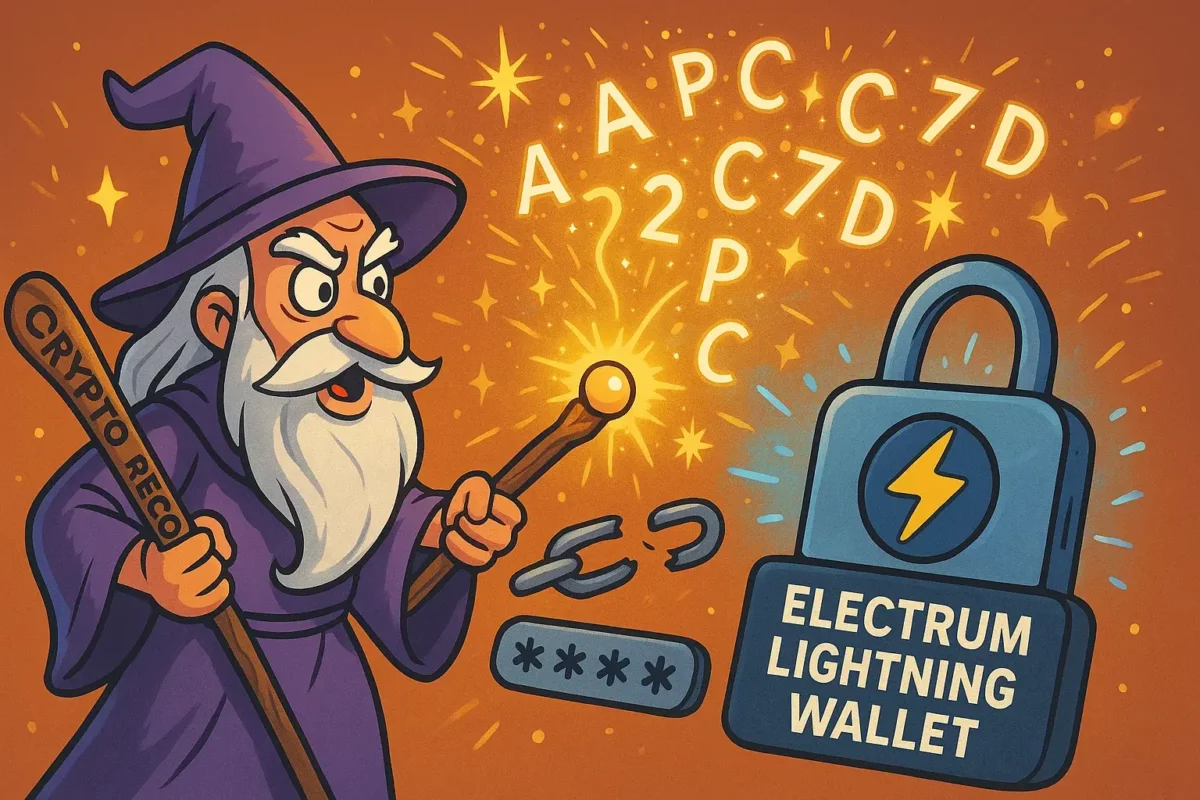
In this case, we recommend brute-forcing the Electrum password using Bitcoin password-cracking tools available online, or contacting a crypto recovery company like us, Crypto Recovers, to perform the brute-forcing for you. For this, we’ll ask you to provide all the possible password combinations you’ve used before, and then we do the hard work ourselves.
In the best-case scenario, it can take a few days to recover your password, or a few weeks if the password is really complex. Continue reading this article to learn more about Electrum password recovery and how to reset it yourself on your computer.
How to Set up Electrum Wallet Password?
Electrum is one of the most secure and trusted Bitcoin wallets. The Electrum password protects the local wallet file by encrypting private keys. Electrum doesn’t encrypt the wallet by default — it prompts you to set a password when creating a new wallet, but if you skipped that, you can still encrypt it anytime. We advise you to pick a password that has letters, numbers, and symbols.
Here’s how to set up your Electrum password:
- Open Electrum.
- Go to
Wallet > Passwordin the top manu. - A window will pop up. Enter a strong password, then confirm it.
- Click OK.
Boom — your wallet is now encrypted. Electrum will require it for every action for example sending your BTC.
Already Set an Electrum Password but Want to Change It?
Follow the same steps: Wallet > Password. Then enter the old password, and your new one.
“Strong passwords are the first line of defense. ” blockchain security experts.
How to Reset Electrum Wallet Password?
If you forgot the Electrum wallet password but still have the seed, you’re lucky. Although the wallet doesn’t offer an option to recover the password, it is possible to reset a new one using the seed phrase.
Follow these Electrum password reset steps:
- Open Electrum
- Choose “Standard wallet”
- Select “I already have a seed”
- Type your seed phrase exactly as saved. Click Next.
- Electrum will ask you to create a new password. Keep it safe in a secure location, where no one can take advantage of it.
- You can now use the new password for transactions.
On the other hand, if you don’t have the seed and only have the encrypted wallet file, it becomes much harder, and you’ll need to brute-force the password or contact Crypto Recovers to do it for you.
Creating Electrum Password Hint List
Since the process of Electrum password recovery often involves brute-forcing, you need to create a list of potential passwords that have a higher probability of matching the correct one.
Here are the most useful tips:
N1: Use all passwords you have ever used: old important passwords, passwords with slight variations, combine two common passwords from different times in your life.
N2: Include personal informationlike dates, birthdays, anniversaries, names of pets.
N3: Mix with uppercase, lowercase, numbers, and symbols for example mix case randomly.
N4: Think of typo patterns or keyboard errors for example mistyping “q” as “w” or “e” as “r”.
The closer the guesses are, the higher the chances of finding the correct password.
How to Recover Electrum Password with Bitcoin Recovery Tools
For Electrum wallet password recovery, the go-to method is using a password cracking tool like btcrecover.
For this you usually need:
- Your Electrum wallet file
- Usually stored at:
- Windows:
C:\Users\<YourName>\AppData\Roaming\Electrum\wallets - Mac/Linux:
~/.electrum/wallets/
- Windows:
- Example filename:
default_wallet
- Usually stored at:
- A password hint list file (a
.txtfile with one guess per line) - Python 3 installed
- The
btcrecovertool GitHub.
Download and install btcrecover and run the password recovery command.
“Remember to back up your original Electrum wallet file before you start the Electrum password recovery. “— Crypto Recovers
The process may take time — hours, days, or more depending on password complexity.
If you’re can’t recover your Electrum password on your own, Crypto Recovers can help. However, if both your seed phrase and wallet password are completely lost, recovery isn’t possible. But if you still have either your password or seed phrase partially — feel free to reach out.
Still Can’t Recover Password on Electrum Wallet? Crypto Recovers May Be Your Last Option
If you’ve tried everything and still can’t access your wallet, Crypto Recovers may be your last option. Our expert team has been mastering password cracking since 2019, using powerful custom software and developing up-to-date algorithms to recover your password for Electrum and other wallets. We also specialize in seed phrase restoration if a few words are missing. Meet our team in our office or online — you only pay when your Bitcoins are successfully recovered.