You open MetaMask and your balance is gone. Tokens you had yesterday are missing, ETH has been sent to an address you do not recognise, and transactions you never authorised appear in your activity log. The immediate reaction is panic, but what you do in the next few minutes matters far more than what you feel. If any assets remain in the wallet, speed is the difference between saving them and losing everything.
This guide covers what to do immediately after discovering your MetaMask has been compromised, how to determine what actually happened, and how to protect yourself going forward. It does not cover recovering stolen funds, because blockchain transactions are irreversible, and no legitimate service can undo them.
Step 1: Move Remaining Assets Immediately
Before you investigate, before you revoke approvals, before you do anything else: if there are still tokens in the compromised wallet, move them now. Create a brand-new MetaMask wallet with a completely new Secret Recovery Phrase on a device you trust. Transfer every token, every NFT, and all ETH from the old wallet to the new one. Do this as fast as possible. Automated drainer bots sweep compromised wallets continuously, and any delay gives them more time to act.
Do not reuse the compromised wallet’s Secret Recovery Phrase for the new wallet. If the phrase was leaked, every account derived from it is compromised, including accounts you have not created yet. A fresh phrase means a completely new set of keys with no connection to the old wallet.
Step 2: Revoke Malicious Token Approvals
If the drain happened through a malicious smart contract rather than a leaked seed phrase, the attacker may not have your keys at all. Instead, they are using a token approval you granted, perhaps unknowingly, when you interacted with a fake dApp or signed a transaction on a phishing site. The approval gives the contract permission to spend specific tokens on your behalf, and it stays active until you revoke it.
Go to revoke.cash, connect the compromised wallet, and review every active approval. Revoke anything you do not recognise, and revoke anything that grants unlimited spending permissions to a contract you are not actively using. Each revocation costs a small gas fee, but it is far cheaper than losing more tokens.
If you are unsure whether the drain was caused by a leaked phrase or a malicious approval, revoke first and investigate second. Revoking an approval cannot make anything worse, but leaving a malicious one active can.
Step 3: Determine How the Hack Happened
Understanding the attack vector prevents it from happening again. Most MetaMask “hacks” fall into one of four categories.
Seed Phrase Exposure
The most common cause. You entered your phrase on a phishing website, stored it in a notes app or cloud service that was breached, or shared it with someone who appeared to be a support agent. Once the phrase is out, every current and future account derived from it is compromised. There is no way to “change” the phrase for an existing wallet. You must create a new wallet and abandon the old one.
Malicious Token Approval
You visited a dApp, minted an NFT, or interacted with a smart contract that requested broad token approval permissions. The contract used those permissions to drain specific tokens. In this case, revoking the approval stops the bleeding, and accounts you did not approve the contract for are unaffected.
Compromised Device or Browser Extension
Malware on your device intercepted your password or private key as you typed or displayed it. Browser extensions with excessive permissions can read data from other extensions, including MetaMask’s vault. If you suspect device compromise, stop using the device entirely, run a thorough malware scan on a separate machine if possible, and set up MetaMask on a clean device with a new phrase.
SIM Swap or Email Compromise
If an attacker gained control of your email or phone number and you used either to back up or access wallet-related services, they may have obtained enough information to compromise your wallet indirectly. This is more relevant for exchange accounts than for MetaMask itself, but it can be part of a broader attack chain.
Important distinction! Crypto Recovers does not offer stolen-fund recovery or scam tracing. If you have lost access to a wallet you still own (forgotten password, lost phrase), we can help. If your funds were stolen, we cannot reverse the transactions. MetaMask wallet recovery service
What You Cannot Do After a Hack
You cannot reverse blockchain transactions. Once a transfer is confirmed on the Ethereum network, it is permanent. No wallet provider, no recovery service, and no law enforcement agency can undo it. Anyone who claims they can “recover” stolen crypto by reversing a transaction is running a scam, typically targeting the same people who were already victimised.
You cannot “freeze” a MetaMask wallet. MetaMask is non-custodial. There is no central server, no account system, and no support team that can lock an address. The only action you can take is to empty the wallet before the attacker does, and to revoke the approvals that gave them access.
You cannot rely on “recovery agents” who contact you after you post about the hack. Social media posts about losing crypto attract the second wave of the scam: fake support accounts, fake recovery services, and fake blockchain investigators who ask for upfront fees and deliver nothing. Legitimate recovery specialists do not reach out to victims proactively. They are contacted, and they work under signed contracts with clearly defined terms.
How to Secure Your New Wallet
After you have moved your remaining assets to a new wallet, take the following steps to make sure the same thing does not happen again.
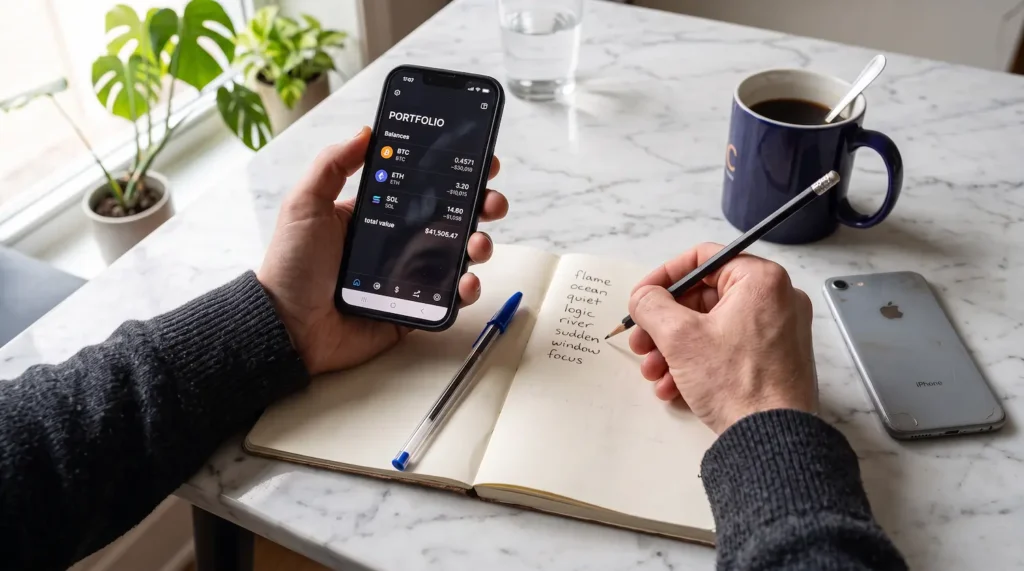
Write your new Secret Recovery Phrase on paper and store it in a secure, offline location. Consider a metal backup plate for fire and water resistance. Do not store the phrase digitally. Install MetaMask only from the official website (metamask.io) or the official app stores. Check the URL every time. Do not install browser extensions you do not need, and review the permissions of the ones you have. Never enter your Secret Recovery Phrase on any website. The only legitimate use of the phrase is inside the MetaMask extension or app during a wallet restore. Consider a hardware wallet for significant holdings. A hardware wallet stores your keys on a separate device that never connects to the internet, making phishing and malware attacks significantly harder to execute.
Locked out of a wallet you own? If your problem is access, not theft, Crypto Recovers may be able to help. Forgotten password, incomplete seed phrase, or deleted vault: request a free assessment. Request a free assessment
MetaMask Hacked FAQ
Can MetaMask be hacked?
MetaMask itself, as a software application, has not been the direct vector in the vast majority of “MetaMask hacked” cases. The attacks target the user: phishing for seed phrases, tricking users into signing malicious approvals, or compromising the device MetaMask runs on. MetaMask’s code is open-source and regularly audited, which makes direct exploitation rare. The weak link is almost always human.
Can I get my stolen crypto back?
In almost all cases, no. Blockchain transactions are irreversible by design. No legitimate service can reverse them. If someone promises to recover stolen funds for an upfront fee, they are scamming you.
Should I report the hack?
Yes. File a report with your local police and with the relevant cybercrime authority (such as the FBI’s IC3 in the US, or Action Fraud in the UK). While recovery is unlikely, reports help law enforcement track patterns and, in some cases, identify the attackers. You can also report phishing sites to MetaMask through their support portal and to Google Safe Browsing.
How do I know if my MetaMask is compromised?
The clearest sign is transactions you did not authorise appearing in your activity log. Other indicators include token balances dropping without your involvement, or MetaMask prompting you to approve transactions you did not initiate. If you notice any of these, act immediately: move remaining assets and revoke approvals before investigating further.