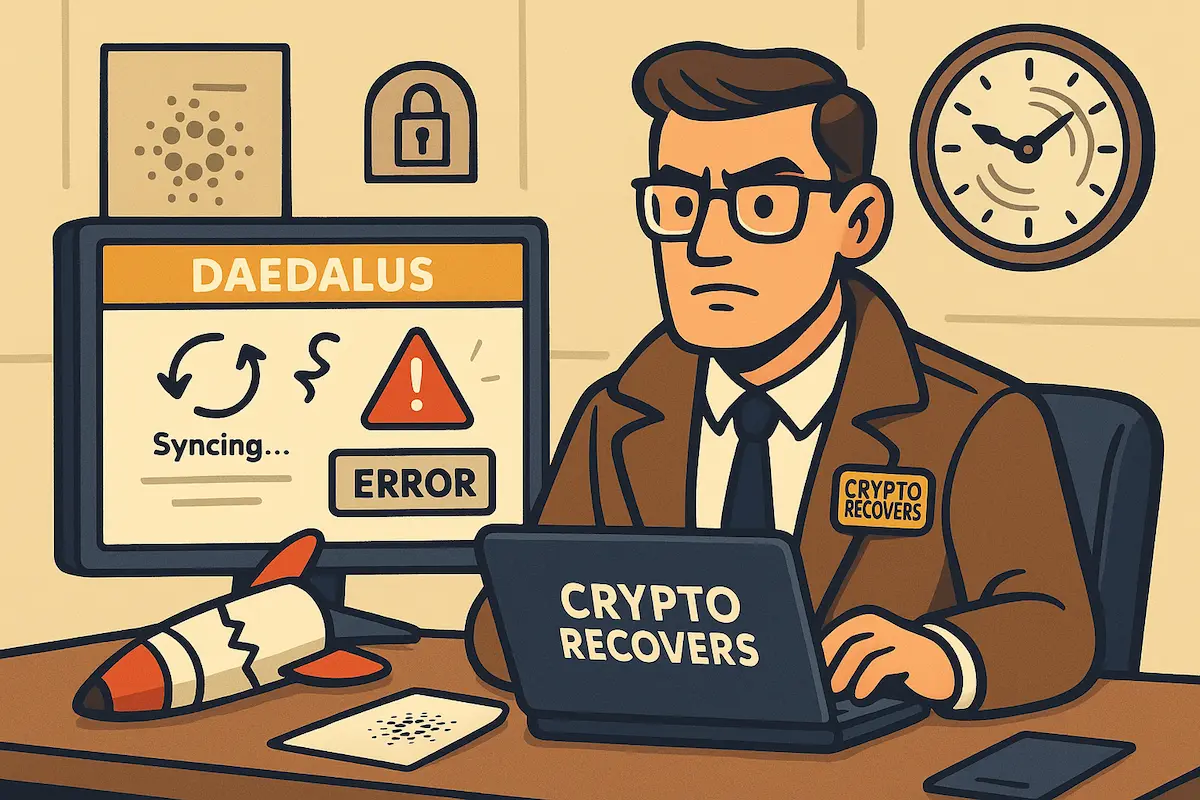
You restored your wallet and the balance says zero. Or Daedalus has been stuck on “connecting to network” for three days. Your ADA hasn’t moved; it’s still recorded on the Cardano blockchain, untouched. Before you reinstall anything or start retyping words, it’s worth understanding what’s actually going on — the wrong move here can cost you options.
This guide covers the three Daedalus wallet recovery situations people actually post about on the Cardano forum, in the order you’re most likely to solve them. If your problem is a forgotten spending password rather than the app itself, that’s a different fix: here’s how to recover your Daedalus spending password.
Read this first: Daedalus is not where your ADA lives
Daedalus is a full-node wallet. It downloads and checks the entire Cardano blockchain on your computer: between 150 and 250 GB of data. That’s why it’s heavy, slow to sync, and picky about hardware.
Your ADA is not inside that data. It’s recorded on the blockchain itself, and your recovery phrase (12, 15, or 24 words, explained here) is the master key to it. Any Cardano wallet that accepts your phrase can reach the same funds. Daedalus is one door among several.
That single fact solves more Daedalus problems than any troubleshooting step. Keep it in mind as you work through your situation below.
“I restored my wallet and the balance shows zero”
This is the most common panic on the Cardano forum, and in most cases nothing is lost. Work through these checks in order.
1. Let the sync finish completely. Daedalus often shows an empty balance until it reaches 100%. At 98%, your transaction history may simply not exist yet on your machine. Check the sync indicator before you conclude anything.
2. Check your word count against the wallet type. Cardano has two wallet eras. Old Byron-era wallets (roughly 2017–2020) use a 12-word phrase. Newer Shelley-era wallets use 15 or 24 words. During restore, Daedalus asks which type you’re recovering. Pick the wrong era and you get a valid but empty wallet. If you hold a 12-word phrase from 2018, restore it as a Byron wallet.
3. Understand what an accepted-but-empty restore means. Here’s the part most people miss: a recovery phrase that Daedalus accepts without error is not automatically your phrase. Any valid phrase opens a wallet. If it’s a phrase you wrote down for a different wallet, or a test wallet you made years ago, Daedalus will happily restore it — empty. Zero balance with zero transaction history usually means you’ve opened the wrong (or an unused) wallet, not that your ADA is gone.
4. Verify on the blockchain, not in the app. Look up one of your old receiving addresses on cardanoscan.io. If the balance shows there, your funds are untouched and the problem sits entirely on the access side. If you don’t have an old address, check the exchange you originally sent the ADA from: the withdrawal record contains the destination address.
5. If the phrase gets rejected as invalid. A phrase Daedalus refuses to accept means a wrong word, words in the wrong order, or a checksum error — often one misread letter in your handwriting. Stop guessing. Repeated manual attempts rarely find the error, because the search space is bigger than it looks: each position has 2,048 possible words. This is exactly the kind of case where systematic, GPU-based testing works. It’s the core of what wallet recovery at Crypto Recovers involves. An invalid phrase, or a phrase missing up to 4 words, is frequently solvable. A completely lost phrase with no other wallet material is not — by us or by anyone. We’d rather tell you that clearly than have you spend time and money on something that can’t work.
“Daedalus has been syncing for days — how do I get my ADA out?”
You don’t have to wait. This surprises people who’ve been staring at a progress bar for a week: the sync is only needed to use Daedalus. Your funds don’t need it at all.
The fast route: restore your phrase in a light wallet. Light wallets connect to remote servers instead of downloading the chain, so they open in minutes. Lace (lace.io) comes from Input Output, the same developer as Daedalus, and accepts the same recovery phrases. Yoroi is another established option — we’ve covered restoring ADA in Yoroi step by step. Restore, wait for the light sync, and your balance and staking position appear. Nothing about this “moves” your ADA; the same key now simply fits a lighter door.
One warning before you do this: type your recovery phrase only into wallet software you downloaded from the official site and verified. Never enter it into any website, and never into an app that contacted you first. Fake wallet apps are the number one way Cardano holders lose everything.
If you want to keep using Daedalus, the sync problems almost always come down to hardware:
- Free disk space. The chain needs 150–250 GB, and it grows. Below that, Daedalus stalls or crashes.
- An SSD. The Cardano ledger is millions of small files; a traditional spinning hard drive can’t keep up, and the sync effectively never completes.
- RAM. 16 GB is the floor; 32 GB runs comfortably. Crashes during “calculating rewards” usually mean memory ran out.
- A clean resync. If the chain data got corrupted (a forced shutdown mid-sync does it), delete the local chain state and let Daedalus rebuild it. Your wallet and phrase are unaffected; only the downloaded blockchain copy is rebuilt.
And one rule with no exceptions: download Daedalus from daedaluswallet.io only. There is no mobile Daedalus. Every “Daedalus mobile app” ever advertised is a scam designed to collect recovery phrases.
“My Daedalus wallet is on an old or dead computer”
People come back to ADA they bought in 2018 and find the computer gone, broken, or wiped. What’s possible depends on one question: do you still have the recovery phrase?
You have the phrase. Then the old computer doesn’t matter at all. Restore on any machine, in Daedalus or a light wallet, using the era rules above (12 words = Byron restore). Wallets untouched since 2018 restore fine today.
You don’t have the phrase, but the old drive still exists. Stop using that drive now. The Daedalus installation stored an encrypted wallet file (Byron-era versions kept a secret.key file) that can substitute for the phrase in a recovery. Every hour the drive keeps running, and especially every reinstall or “cleanup,” risks overwriting it. Make a full copy of the drive before anyone works on it, and work only with the copy. Extracting keys from old Daedalus files, including from partly damaged drives, is specialist work. But it’s often still possible, and it’s work we do on always air-gapped machines, never on anything connected to the internet.
You have neither the phrase nor any files. Then there is nothing to recover from, and no honest service will tell you otherwise. The words were the key; without the key or any copy of it, the funds stay locked on the blockchain permanently.
When to bring in Crypto Recovers
Try the free routes above first: most zero-balance and sync cases resolve without help. What’s left is the genuinely hard cases: an invalid or incomplete recovery phrase, encrypted wallet files from a dead installation, or a damaged drive that held your only copy.
That’s our territory. Crypto Recovers has been performing recoveries since 2019, with 200+ wallets recovered, from our office in Amsterdam. We never start work before the contract is signed, and everything runs No Cure No Pay: no result, no fee.
One thing to know before you contact anyone in this industry: we do not handle your ADA and have no access to it at any point. If the recovery succeeds, you move the funds yourself, to a fresh wallet only you created, and you transfer the agreed percentage yourself during the handover session, with both parties present — in person or on a live call. Old-school services that take the coins into their own wallet and subtract their cut first are doing something we never do.
If your situation involves a rejected or incomplete recovery phrase, old Daedalus wallet files, or a drive that held your only copy, start a free assessment: describe what you still have and you’ll get an honest evaluation of what’s technically possible before any commitment is made.