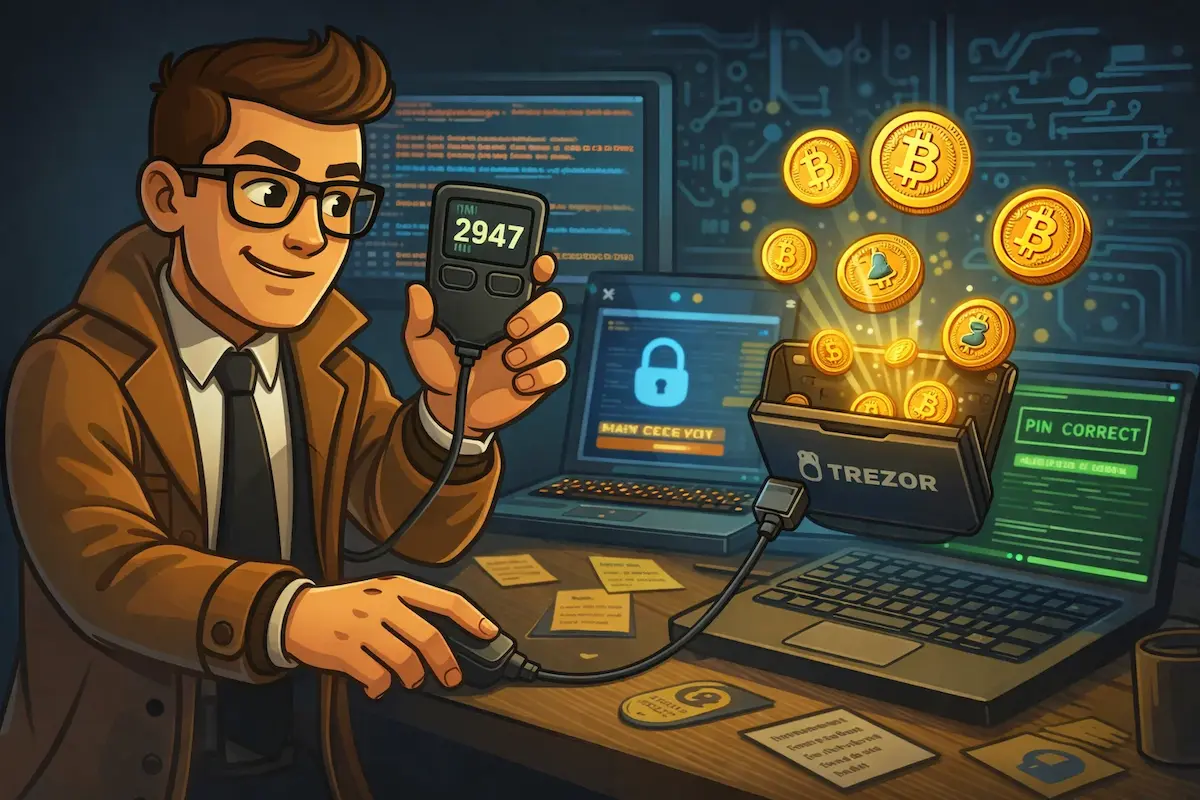
Forgot your Trezor PIN? Take a breath. Even a wiped wallet isn’t the end of the story. A forgotten Trezor PIN feels like a locked door with no key, but your crypto never lived on the device in the first place. It sits on the blockchain, and the Trezor is only the key that signs for it. As long as you have your 12- or 24-word recovery seed, you can restore full access on any Trezor. Missing a few words or can’t read your own handwriting? A professional Trezor recovery service may still be able to help.
This guide walks you through exactly what happens when you forget your Trezor PIN, what you can safely try yourself, and where the real limits are.
What Happens When You Enter the Wrong Trezor PIN
Your Trezor PIN is usually 4 to 9 digits long, and it exists for one reason: to stop anyone who isn’t you from opening the wallet on the device. Once it’s set, there is no way to look it up or reset it. So if you’ve forgotten your Trezor PIN, the PIN itself is gone for good. That sounds harsh, but it’s the whole point. A PIN you could recover would be a PIN a thief could recover too.
Two things make the Trezor PIN especially hard to guess or brute-force.
First, after every wrong attempt the device shows a randomized number grid on its own screen. Your computer only ever sees the positions you click, never the digits. This blocks keyloggers and anyone watching over your shoulder from reconstructing your PIN.
Second, each wrong attempt triggers a growing delay before you can try again. It starts instant, then stretches to roughly 1 second, 2, 4, 8, and keeps doubling. After a handful of failed tries you’re already waiting minutes, then hours. Combined with a hard attempt limit, brute-forcing a Trezor PIN simply isn’t realistic.
How Many Wrong PIN Attempts Before Trezor Wipes?
Here is how many incorrect attempts each model allows before it wipes itself and erases the local wallet. These figures match Trezor’s own documentation.
| Trezor model | Wipes after |
| Trezor Safe 7 | 10 incorrect attempts |
| Trezor Safe 5 | 16 incorrect attempts |
| Trezor Safe 3 | 16 incorrect attempts |
| Trezor Model T | 16 incorrect attempts |
| Trezor Model One | 16 incorrect attempts |
If you still have the device and haven’t hit the limit, stop and slow down. Write down every PIN combination you think it could be before you try anything. That way you won’t repeat the same guess twice and burn attempts you can’t get back.
Still Have Your Device? Do This Before You Guess
The biggest mistake people make with a forgotten Trezor PIN is guessing in a panic. Every wrong entry brings you closer to a wipe, and the wipe is only survivable if your seed is complete.
Before you touch the device again:
- Confirm you have your full recovery seed written down and readable. This is your safety net.
- List every plausible PIN on paper: old bank PINs, dates, patterns you tend to use.
- Cross off each one as you try it, so you never repeat a guess.
- If you run low on attempts and still aren’t sure, stop guessing. A wipe plus a good seed is recoverable. A wipe without a seed is not.
If you don’t have your seed and you’re close to the attempt limit, that’s the moment to pause and consider help before the device wipes itself.
How to Enter Bootloader Mode and Reset Your Trezor
If you’ve decided to wipe the device and restore from your seed, here’s how to actually get into bootloader mode. This step trips up a lot of people, because it differs per model.
Trezor Model One: hold both buttons while plugging in the cable, until the bootloader screen appears. Select “Wipe device” and confirm.
Trezor Model T: swipe up on the touchscreen while plugging in the cable. Select “Factory reset.”
Trezor Safe 3: hold both buttons while connecting. Confirm the wipe on the device.
Trezor Safe 5 and Safe 7: press and hold the button while plugging in, then follow the on-screen prompts.
Once wiped, the device restarts like new and is ready for a fresh setup.
“Only wipe your Trezor if you have your complete seed phrase. Wiping without a valid seed means permanent loss of access.” Robbert Bink, Founder of Crypto Recovers
Your Trezor Is Wiped. How to Recover Your Wallet
If the device is already wiped, don’t panic. Your funds are still safe on the blockchain. The only thing erased was the local copy of your wallet on the device, and that copy can be rebuilt from your recovery seed.
To restore everything:
- Get a new Trezor, or use your freshly wiped device.
- Select “Recover wallet” during setup.
- Enter your 12, 18, or 24-word recovery seed in the exact order you wrote it down.
- Set a new PIN.
There is no “reset PIN” button hidden in the settings. Restoring from your seed is the only path forward, but it’s a reliable one. If your handwriting is unclear or Trezor says your seed is invalid, check each word carefully against the official BIP39 word list. Small mix-ups like “abandon” versus “abundant” are more common than you’d think, and a single wrong word breaks the whole phrase. For a deeper walkthrough, see our Trezor wallet recovery guide.
Quick Recovery Overview
Not sure where you stand? This table gives you a fast read on your situation and what to do next.
| Situation | What to do | Chance of success |
| Complete seed phrase | Restore on a new or wiped Trezor | Very high |
| 1 to 4 missing seed words | Manual search or recovery service | Drops fast: roughly 60% to under 1% |
| Forgot passphrase (25th word) | Professional brute-force may help | Depends on what you remember |
| Device intact, PIN forgotten | Stop guessing, list candidates first | High risk of wipe |
| No seed and no passphrase | Search for a seed backup | Effectively none |
What Can Go Wrong During Recovery
You restored the seed but the wallet looks empty
Sometimes people enter the correct seed and still see a zero balance. Usually that means a passphrase was set up. A passphrase, often called the 25th word, creates a separate hidden wallet on top of your seed. Without it, the wallet opens fine but appears empty, because your funds live behind the passphrase.
If you’ve forgotten your Trezor passphrase, professional recovery services may be able to brute-force the right combination, depending on how much you remember about it. Our guide on how to recover a lost Trezor passphrase explains what’s realistic.
You’re missing one or more seed words
If up to four words are missing, there’s still a real chance. Seed phrases only use words from the fixed BIP39 list of 2,048 words, and only valid, checksum-correct combinations are accepted. That narrows the search dramatically. Even so, the odds fall sharply with each missing word.
These are rough, order-of-magnitude estimates, not guarantees:
- 1 missing word: often recoverable, on the order of a 60% chance
- 2 missing words: roughly 10%
- 3 to 4 missing words: under 1% without serious computing power
Keep track of every combination you’ve already tried, and remember that word order matters completely. One word in the wrong position makes the entire phrase invalid. If this is your situation, see how to recover a lost or invalid Trezor seed phrase or how to recover a single missing seed word.
You lost both the seed and the PIN
If both the seed and the PIN are gone, there is, unfortunately, nothing anyone can do. The funds stay on the blockchain, permanently out of reach. Be wary of any service that claims otherwise. No legitimate provider can conjure a seed out of nothing.
When to Ask for Professional Trezor Recovery Help
No one can recover a forgotten PIN. That’s not a limitation of any service, it’s by design. But a forgotten PIN is often not the real problem once you’ve wiped and gone to restore. The real problem is usually a seed that’s incomplete, partly illegible, or a passphrase you can’t quite remember. That’s where professional recovery earns its keep, running systematic, high-speed searches through valid word combinations far faster than any manual effort.
A few things to keep in mind before you reach out to anyone:
- Legitimate services never ask for your full seed upfront. Any website asking you to type your seed phrase and promising instant results is a scam.
- No one can guarantee recovery. Honest services quote your odds, not a 100% promise.
- No large upfront fees. Reputable providers work on a success basis or are fully transparent about costs before any work begins.
Why Crypto Recovers?
We work with clients both remotely and in person. One of our recent cases came all the way from Germany: after an online meeting, the client shipped their Trezor to us so we could attempt seed reconstruction firsthand. If your situation calls for that, it’s something we can arrange.
We can’t guarantee results, because nobody honestly can. What we can do is give you a clear, honest assessment of your chances and only get to work if there’s something real to work with. We start with a free assessment, walk you through what we found, and proceed only with your sign-off. If you’re nearby, you’re welcome to visit our office in Amsterdam to talk through your options for restoring your Trezor wallet.
Need help after a forgotten Trezor PIN or a failed restore? Take a look at our Trezor wallet recovery service or get in touch for a free assessment.
Forgot Trezor PIN FAQ
Can I bypass the Trezor PIN?
No, you can’t bypass the Trezor PIN. It’s protected by strong encryption, so the only way to access your wallet without the PIN is to wipe the device and restore it using your recovery seed.
How do I enter my PIN on Trezor?
Use the randomized number grid shown on your device and match the positions on your computer screen. The grid reshuffles every time, which prevents anyone from guessing your PIN based on your clicks or hand movements.
How do I reset or change my Trezor PIN?
There’s no direct reset. Restore your wallet using your recovery seed and set a new PIN during the setup process. If your current device still works and you simply want a different PIN, you can also change it from the device settings while you’re logged in.
Can Trezor Support reset my PIN for me?
No. Trezor has no access to your PIN or seed, and that’s intentional. Anyone claiming to be Trezor Support and asking for either your PIN or your seed is running a scam.
Can anyone extract my PIN from the device?
No. The PIN protection uses PBKDF2 key derivation together with authenticated encryption, so even physical chip extraction leaves an attacker with encrypted data and no usable PIN. Without the correct PIN, there’s nothing to read.
I forgot my Trezor PIN but I have my seed. Am I safe?
Yes. With a complete, correct recovery seed you can restore your wallet on any Trezor after a wipe. The forgotten PIN becomes irrelevant, because you’ll set a new one during setup.