
Blog
Forgot Your Ledger PIN? How to Get Back Into Your Wallet

In short
If you forgot your Ledger PIN, stop guessing: three wrong entries reset the device and erase its local wallet data. To get back in, restore your recovery phrase, plus the exact passphrase for any hidden wallet, on the reset device or a replacement and choose a new PIN. Verify the phrase first, because a reset cannot supply missing words.
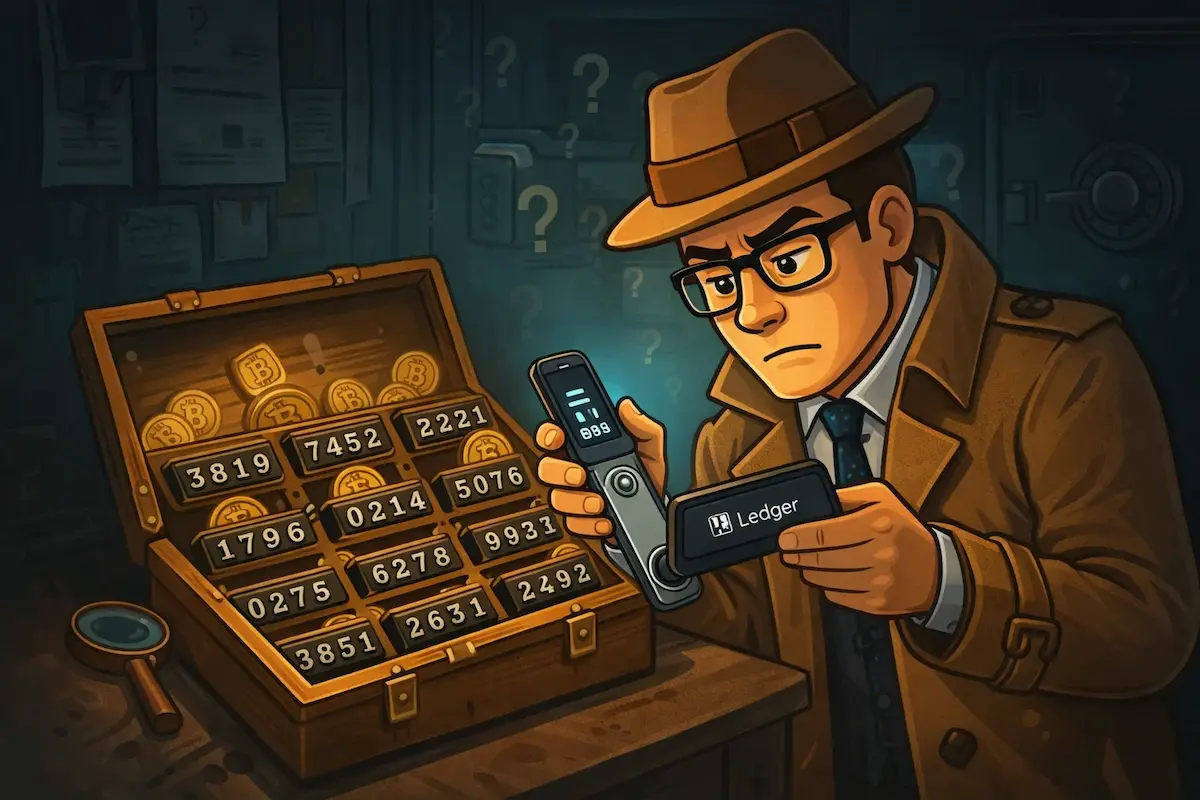
You’ve forgotten your Ledger PIN. The device is in front of you and the screen is counting down your remaining attempts. Before you enter another guess, take a minute to understand what’s actually happening. The path forward depends on something other than the PIN.
What a factory reset actually means
After three consecutive incorrect PIN entries, your Ledger performs a factory reset. Every account on the device is wiped. This is deliberate: the security model assumes that someone who doesn’t know the PIN shouldn’t be allowed to keep trying. Three attempts is the hard limit.
What the reset wipes is the device. Your funds are never touched. Your Bitcoin, Ethereum, or any other asset held through the wallet exists on the blockchain, not on a chip inside the Ledger. What the device stored were private keys: the cryptographic proof that you control specific addresses on the blockchain. Those keys can be regenerated from your 24-word recovery phrase on any compatible device, which means the reset is a problem you can recover from, not a loss of funds.
Stop guessing and find your recovery phrase
If you’ve already entered one or two incorrect PINs, put the device down. You have one or two attempts left before the reset triggers. A wrong guess doesn’t permanently cost you anything, but removing an attempt before you’ve found your recovery phrase is worth avoiding.
When you first set up your Ledger, the device generated a 24-word BIP39 seed phrase and showed it to you once. You were asked to write it down on the recovery card included in the box. That phrase is your way back in: enter it on the reset device and every account, balance, and transaction history reappears exactly as before. Check the recovery card from the Ledger box, fireproof safes, safety deposit boxes, old notebooks, and anywhere you’d store important documents. People find the card in places they’d forgotten about entirely. It’s worth being thorough before concluding it’s gone.
How to restore after the reset
With your 24 words confirmed and in front of you, let the reset happen. Enter incorrect PINs until it triggers, or simply wait if you’ve already used all your attempts. On the welcome screen that follows, select ‘Restore from recovery phrase’, choose 24 words when prompted, and enter each one in the original order. The device verifies the BIP39 checksum when the last word is entered: if the phrase is correct, all private keys are regenerated and your accounts reappear. Open Ledger Live, re-add your accounts, and your balances load from the blockchain.
What if the recovery phrase is missing or incomplete?
This is a different and more serious problem. Ledger has no copy of your recovery phrase. It was generated on the device and shown to you once, and if it’s gone, Ledger can’t retrieve it. But you may not be starting from zero. A single missing word from a 24-word phrase means exactly 2,048 possible candidates: the BIP39 word list contains precisely that many entries, and the checksum narrows those candidates to a small set of valid phrases — a known receiving address identifies the correct one. Two missing words produce roughly four million combinations, still well within reach for GPU-based software. Words you wrote down but can’t read clearly, words you’re not confident about, a damaged card where some entries are visible and others aren’t. These are all situations with workable recovery approaches. The full breakdown of what’s possible depending on what you have is set out in our Ledger seed phrase recovery guide.
PIN vs. passphrase: don’t confuse them
A PIN protects the physical device. A BIP39 passphrase (the optional 25th word) is something different: an addition to your recovery phrase that generates a completely separate hidden wallet. If you used one and have forgotten it, recovering the passphrase is a separate problem from recovering after a forgotten PIN, with its own set of approaches and constraints. Recovering a Ledger passphrase is covered in full separately.
After recovery: strengthen your backup
Once you’re back in, take the seed phrase storage seriously. Paper fades, gets wet, burns, and tears. A metal backup encodes the same 24 words in stainless steel or titanium. It resists the conditions that destroy paper, and is equally simple to use for restoration. It’s a small investment relative to what it’s protecting. The options for seed phrase backup are explained separately.
If your situation involves a partial phrase, a damaged backup, or words you’re uncertain about, our professional Ledger recovery service offers a free initial assessment: describe your situation and we give you an honest evaluation of what’s recoverable before any commitment is made.
Crypto Recovers never holds your funds at any stage of that work. If the missing words are found, you restore the wallet yourself, move the balance to a new wallet you set up, and pay the agreed fee separately, as the contract specifies.
FAQ: Ledger PIN
What happens if you forget your Ledger PIN?
You get three tries. A third wrong entry factory-resets the Ledger, and your 24-word recovery phrase restores access afterward.
How do I reset my Ledger PIN?
Only by wiping the device, because Ledger has no PIN-recovery option. Enter the wrong PIN until the device factory-resets, restore from your 24-word phrase, then set a new PIN during setup. Ledger’s own forgotten-PIN guidance describes the same reset-and-restore route.
How to change Ledger PIN?
Unlock your Ledger, go to Settings → Security → Change PIN, and enter your current PIN. Set and confirm a new 4–8 digit PIN, and you’re done. The path is the same on the Nano S and the Nano X, and changing the PIN this way leaves your wallet data and your access to the funds untouched.
How do I change the PIN on a Ledger Nano X?
The steps are the same as on the other models: unlock the device, open Settings → Security → Change PIN, enter your current PIN, then set and confirm a new 4- to 8-digit PIN. It works the same way on the Nano S Plus, and changing the PIN like this leaves your accounts and funds untouched.
What if Ledger shows “invalid PIN, 1 attempt left”?
One try left. Enter it only if you’re certain it’s correct — a wrong guess resets the device, and getting back in from there needs your 24-word recovery phrase.
What if I enter an invalid PIN on my Ledger?
A single wrong entry costs you nothing except one of your three tries. The screen shows how many attempts remain, and the third wrong entry triggers the factory reset. If you are not sure of the PIN, stop and find your 24-word recovery phrase before using the last attempt.
What if I forgot my Ledger PIN and my recovery phrase is incomplete?
Stop entering PIN guesses and preserve the device. First establish whether the remaining words can form a usable backup; a known receiving address can help verify a reconstructed phrase. Do not deliberately reset the Ledger while that is unresolved. Feasibility depends on the number and positions of the missing words and the other information available.
Is the Ledger PIN the same as the BIP39 passphrase?
No. The PIN protects the device and triggers the reset; the passphrase is a separate, optional 25th word that opens its own hidden wallet and is not included in the 24-word phrase itself. A passphrase previously attached to a secondary PIN can still open that hidden wallet on the configured device. If you use one, keep a written record of it separate from your recovery phrase.
How many digits are on a Ledger PIN?
Ledger devices require a 4- to 8-digit PIN. It doesn’t have any symbols or letters. Ledger’s PIN code guide recommends eight digits for the strongest setting.
Why is my crypto safe if I’ve forgotten my Ledger PIN?
Your crypto is safe because it’s stored on the blockchain, not on the Ledger device. You can access it again with your recovery phrase.