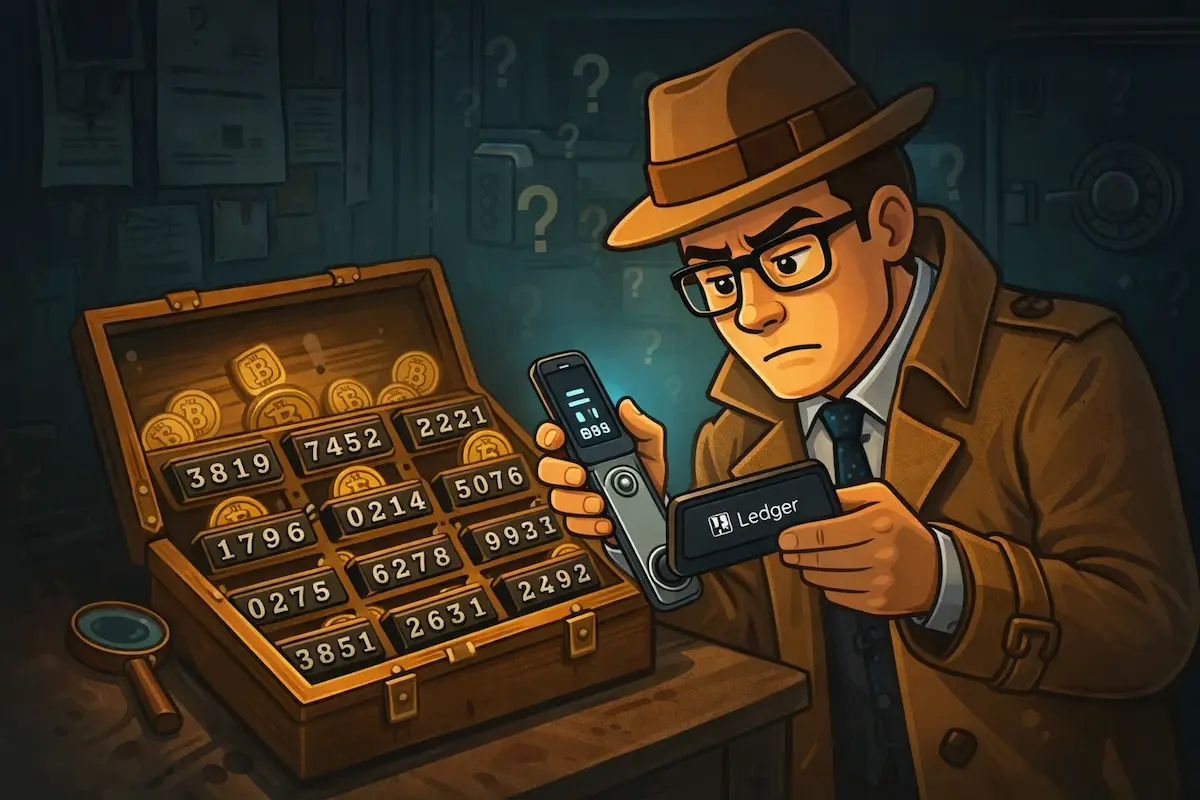
You’ve forgotten your Ledger PIN. The device is in front of you and the screen is counting down your remaining attempts. Before you enter another guess, take a minute to understand what’s actually happening. The path forward depends on something other than the PIN.
What a factory reset actually means
After three consecutive incorrect PIN entries, your Ledger performs a factory reset. Every account on the device is wiped. This is deliberate: the security model assumes that someone who doesn’t know the PIN shouldn’t be allowed to keep trying. Three attempts is the hard limit.
What the reset wipes is the device. Your funds are never touched. Your Bitcoin, Ethereum, or any other asset held through the wallet exists on the blockchain, not on a chip inside the Ledger. What the device stored were private keys: the cryptographic proof that you control specific addresses on the blockchain. Those keys can be regenerated from your 24-word recovery phrase on any compatible device, which means the reset is a problem you can recover from, not a loss of funds.
Stop guessing and find your recovery phrase
If you’ve already entered one or two incorrect PINs, put the device down. You have one or two attempts left before the reset triggers. A wrong guess doesn’t permanently cost you anything, but removing an attempt before you’ve found your recovery phrase is worth avoiding.
When you first set up your Ledger, the device generated a 24-word BIP39 seed phrase and showed it to you once. You were asked to write it down on the recovery card included in the box. That phrase is your way back in: enter it on the reset device and every account, balance, and transaction history reappears exactly as before. Check the recovery card from the Ledger box, fireproof safes, safety deposit boxes, old notebooks, and anywhere you’d store important documents. People find the card in places they’d forgotten about entirely. It’s worth being thorough before concluding it’s gone.
How to restore after the reset
With your 24 words confirmed and in front of you, let the reset happen. Enter one more incorrect PIN to trigger it, or simply wait if you’ve already used all your attempts. On the welcome screen that follows, select ‘Restore from recovery phrase’, choose 24 words when prompted, and enter each one in the original order. The device verifies the BIP39 checksum when the last word is entered: if the phrase is correct, all private keys are regenerated and your accounts reappear. Open Ledger Live, re-add your accounts, and your balances load from the blockchain.
What if the recovery phrase is missing or incomplete?
This is a different and more serious problem. Ledger has no copy of your recovery phrase. It was generated on the device and shown to you once, and if it’s gone, Ledger can’t retrieve it. But most people who contact us don’t have zero information. A single missing word from a 24-word phrase means exactly 2,048 possible candidates: the BIP39 word list contains precisely that many entries, and the checksum eliminates all but one of them in most cases. Two missing words produces roughly four million combinations, still very manageable with GPU-based software. Words you wrote down but can’t read clearly, words you’re not confident about, a damaged card where some entries are visible and others aren’t. These are all situations with workable recovery approaches. The full breakdown of what’s possible depending on what you have is here.
PIN vs. passphrase: don’t confuse them
A PIN protects the physical device. A BIP39 passphrase (the optional 25th word) is something different: an addition to your recovery phrase that generates a completely separate hidden wallet. If you used one and have forgotten it, recovering the passphrase is a separate problem from recovering after a forgotten PIN, with its own set of approaches and constraints. Passphrase recovery is covered in full here.
After recovery: strengthen your backup
Once you’re back in, take the seed phrase storage seriously. Paper fades, gets wet, burns, and tears. A metal backup encodes the same 24 words in stainless steel or titanium. It resists the conditions that destroy paper, and equally simple to use for restoration. It’s a small investment relative to what it’s protecting. The options for seed phrase backup are explained here.
If your situation involves a partial phrase, a damaged backup, or words you’re uncertain about, our professional Ledger recovery service offers a free initial assessment: describe your situation and we give you an honest evaluation of what’s recoverable before any commitment is made.
Ledger PIN FAQ
If you forget your Ledger PIN, you get three chances to try it. If you fail three times, your Ledger will reset. Then, you’ll need your recovery phrase to get back into your wallet.
To reset your Ledger PIN, you must reset your device. This will clear all data. You’ll then need to use your recovery phrase to restore your wallet. After that, you can set a new PIN.
Unlock your Ledger, go to Settings → Security → Change PIN, and enter your current PIN. Set and confirm a new 4–8 digit PIN, and you’re done.
When Ledger shows “invalid PIN, 1 attempt left”, entering the wrong PIN will reset the device. If you reset the device, you will need a 24-word recovery phrase to get your access back. Enter your PIN only if you are sure it is correct.
If you enter the wrong PIN on your Ledger, you have a few tries left. After three wrong attempts, your device will reset.
To change the PIN on Ledger Nano X, go to Settings → Security → Change PIN, then enter your current PIN and set a new 4–8 digit code. This process saves wallet data and keeps your access to the funds.
Ledger devices require a 4- to 8-digit PIN. It doesn’t have any symbols or letters.
Your crypto is safe because it’s stored on the blockchain, not on the Ledger device. You can access it again with your recovery phrase. Crypto Recovers specialises in invalid seed phrase restoration.