Lost your Trezor PIN? Take a breath. Even a wiped wallet isn’t the end of the story. Your crypto sits on the blockchain — the device is just a key — and as long as you have your 12- or 24-word seed phrase, you can restore full access. Missing a few words or can’t make out your handwriting? A professional Trezor recovery service may still be able to help.
What Happens When You Type the Wrong PIN
Your Trezor PIN is usually 4–9 digits long, and it exists for one reason: to protect your device from anyone who isn’t you. Once it’s set, there’s no way to recover it — so if you’ve lost it, the PIN itself is gone for good.
What makes it even harder to guess is that after every wrong attempt, Trezor shows a randomized number grid on the device screen. This prevents keyloggers or someone watching over your shoulder from figuring out your input. Each wrong attempt also triggers an exponentially growing delay — instant on the first try, then 1 second, 2, 4, 8, and so on. Brute-forcing it isn’t realistic.
Here’s how many attempts you get before the device wipes itself:
- Trezor Safe 7 — wipes after 10 incorrect attempts
- Trezor Safe 5 / Safe 3 — wipes after 16 incorrect attempts
- Trezor Model One / Model T — wipes after 16 incorrect attempts
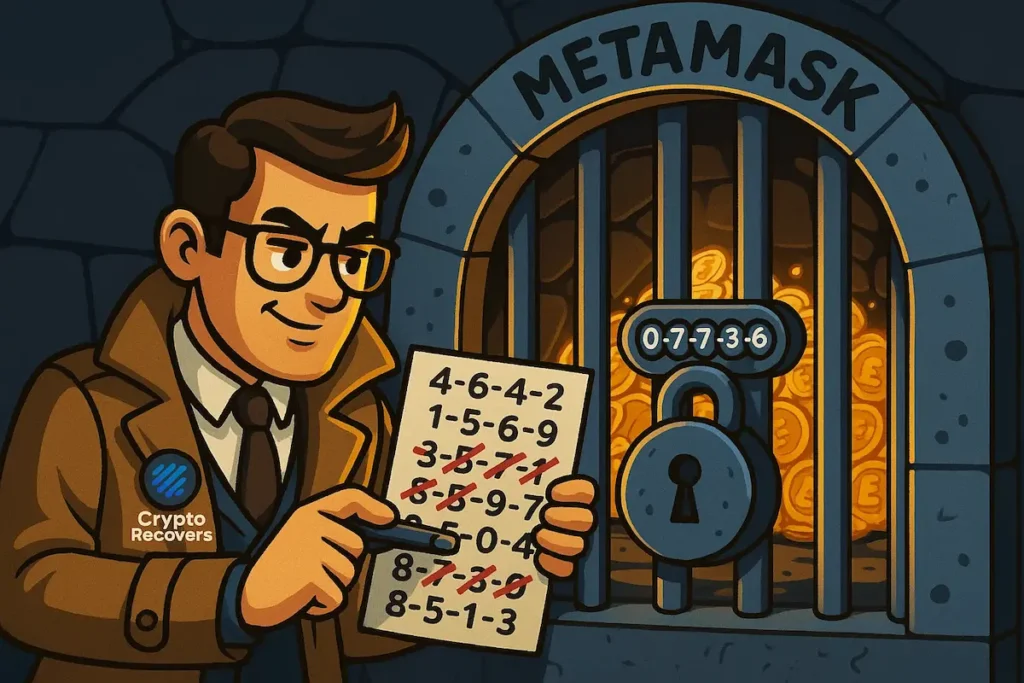
If you still have the device and haven’t hit the limit, write down every PIN combination you think it could be before you try anything. That way you won’t repeat yourself and waste attempts.
How to Enter Bootloader Mode and Reset Your Trezor
If you’ve decided to wipe the device and restore using your seed, here’s how to actually get there — because this step trips up a lot of people.
- Trezor Model One — hold both buttons while plugging in, until the bootloader screen appears. Select “Wipe device” and confirm.
- Trezor Model T — swipe upward on the touchscreen while plugging in. Select “Factory reset.”
- Trezor Safe 3 — hold both buttons while connecting. Confirm the wipe on the device.
- Trezor Safe 5 / Safe 7 — press and hold the side button while plugging in. Follow the on-screen prompts.
Once wiped, the device restarts like new.
“Only wipe your Trezor if you have your complete seed phrase. Wiping without valid seed means permanent loss of access.” — Robbert Bink, Founder of CryptoRecovers
Your Wallet Has Been Wiped — What You Can Try on Your Own
If the device is wiped, don’t worry. Your funds are still safe on the blockchain. The only thing that was erased was the local copy of your wallet on the device.
To restore everything:
- Get a new Trezor or use your wiped device
- Select “Recover wallet” during setup
- Enter your 12, 18, or 24-word recovery seed in the exact order you wrote it down
- Set a new PIN
There is no “reset PIN” option in the settings — restoring via seed is the only path forward, but it’s a reliable one. If your handwriting is unclear or Trezor seed is invalid, try reading each letter carefully against the official BIP39 word list — small mistakes like ‘abandon’ vs ‘abundant’ are more common than you’d think.
Quick Recovery Overview
Not sure where you stand? This table gives you a quick read on your situation and what to do next.
| Situation | What to Do | Success Rate |
| Complete seed phrase | Restore on new or wiped Trezor | 100% |
| 1–4 missing seed words | Manual search or recovery service | Drops fast — 60% to under 1% |
| Forgot passphrase (25th word) | Professional brute-force may help | Depends on what you remember |
| Device intact, PIN forgotten | Stop guessing — list candidates first | High risk of wipe |
| No seed, no passphrase | Search for a seed back-up | 0% |
What Can Go Wrong
Sometimes people restore the seed and still see an empty wallet. You may have set up a passphrase — aka the 25th word — which creates a separate hidden wallet. Without that passphrase, the wallet opens but appears empty. If you’ve forgotten Trezor passphrase, professional recovery services may be able to brute-force the right combination depending on how much you remember.
Missing seed words? If up to four words are missing, there’s still a chance. Seed phrases use words from the fixed BIP39 list of 2,048 words, and only valid combinations are accepted — which narrows things down. That said, the odds drop sharply with each missing word:
- 1 missing word: ~60% chance
- 2 missing words: ~10%
- 3–4 missing words: under 1% without serious computing power
Keep track of every combination you’ve already tried. And remember — the order of words matters completely. One word in the wrong position makes the entire phrase invalid.
Lost both the seed and the PIN? Unfortunately, in that case there is nothing anyone can do. The funds remain on the blockchain permanently inaccessible.
When to Ask for Professional Help
No one can recover a forgotten PIN — that’s simply not possible by design. But if your seed phrase is incomplete, partially illegible, or you’ve forgotten your passphrase, professional recovery services can run systematic, high-speed searches through valid word combinations far faster than any manual effort.
A few things to keep in mind before you reach out to anyone:
- Legitimate services never ask for your seed upfront. Any website asking you to enter your seed phrase and promising instant results is a scam.
- No one can guarantee recovery. Honest services will tell you your odds upfront, not promise 100%.
- No upfront fees. Reputable services work on a success basis or are fully transparent about costs before any work begins.
Why Crypto Recovers?
At Crypto Recovers, we’ve been helping people in situations exactly like yours since 2019. We work with clients remotely and in person — our most recent case came all the way from Germany. After an online meeting, the client shipped their Trezor to us so we could attempt seed reconstruction firsthand. If that’s what your situation needs, that’s something we can arrange.
We can’t guarantee results — nobody can — but we’ll give you an honest assessment of your chances and only get to work if there’s something real to work with. We start with a free assessment, walk you through what we found, and only proceed with your sign-off. If you’re nearby, you’re welcome to visit us in person at our office in Zoetermeer to discuss your chances of Trezor Wallet restration.